Never sell an out-of-stock product again
Automatic sync · Up to hourly · Zero manual checks
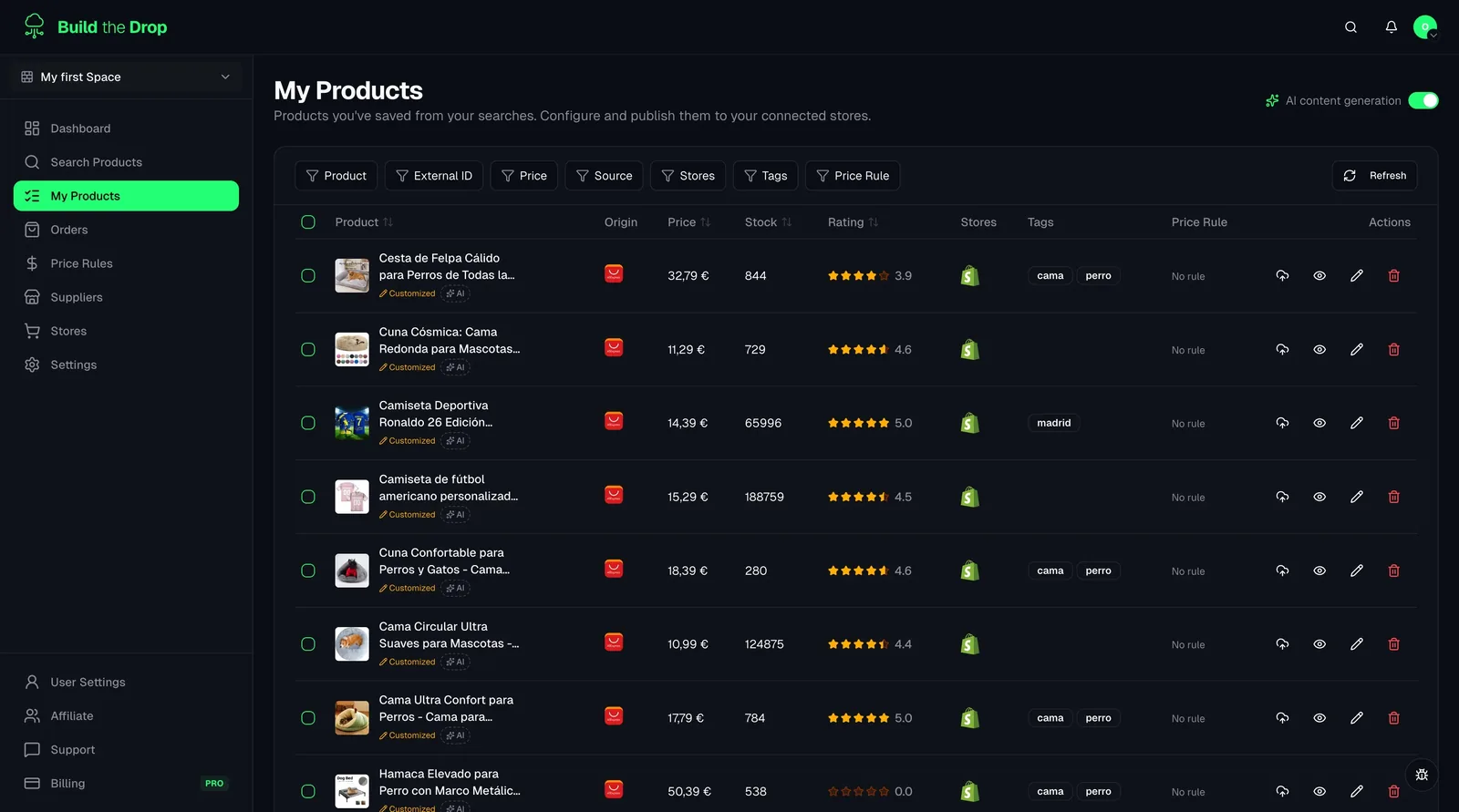
Build the Drop checks your connected suppliers automatically and updates Shopify stock levels for you — from once a day on Free up to every hour on Business. When a product runs out on AliExpress, your store reflects it on the next sync.
Available on every plan, including Free
Auto
daily to hourly, by plan
Auto
Shopify update on change
All
connected suppliers covered
What you get with Automatic Stock Sync
All the tools you need, built into your dropshipping dashboard.
Automatic sync schedule
Build the Drop polls stock levels across all your connected suppliers and updates Shopify on a schedule set by your plan: once a day on Free, twice on Starter, 4 times on Pro and up to every hour on Business — no manual checks, no spreadsheets, no surprises.
Automatic Shopify inventory update
When a supplier's stock changes, the corresponding Shopify product inventory is updated instantly. Out-of-stock products get marked unavailable before they can be oversold.
Multi-supplier stock tracking
Track stock for all your imported AliExpress products in one dashboard. New supplier connectors will use the same sync engine as they launch.
Stock history & alerts
See a history of stock changes per product and get notified when high-demand items are running low so you can plan restocking or find alternative suppliers.
How it works
Connect your suppliers
Link your AliExpress account (and future suppliers) to Build the Drop. Stock sync activates automatically for all imported products.
Build the Drop monitors stock automatically
On every sync cycle (from once a day up to every hour, depending on your plan), our engine checks the current stock level on the supplier's side for every active product in your catalog.
Shopify updates automatically
If stock changed, Shopify is updated within minutes. Out-of-stock products are set to unavailable. Restocked items come back online.
Related guides
Automatic stock sync explained
Understand how automatic stock sync works in Build the Drop, how often it runs on each plan, and what happens when supplier stock changes.
Read guideThe 15 Best Dropshipping Suppliers in Europe with Fast Shipping
Complete 2026 guide to dropshipping suppliers in Europe with fast shipping: top suppliers by category, AliExpress EU warehouses and automated tracking.
Read guideFrequently asked questions
Stop losing money to overselling
Connect your suppliers and let Build the Drop keep your inventory accurate automatically.